


Driver and carrier dispatch
Choose who handles each delivery. Use assignment rules based on city, neighbourhood or payment method where they fit your operation.
Keep deliveries moving after dispatch
Coordinate your own drivers and supported carriers, follow each delivery, keep customers informed and record the handover in SayerX.
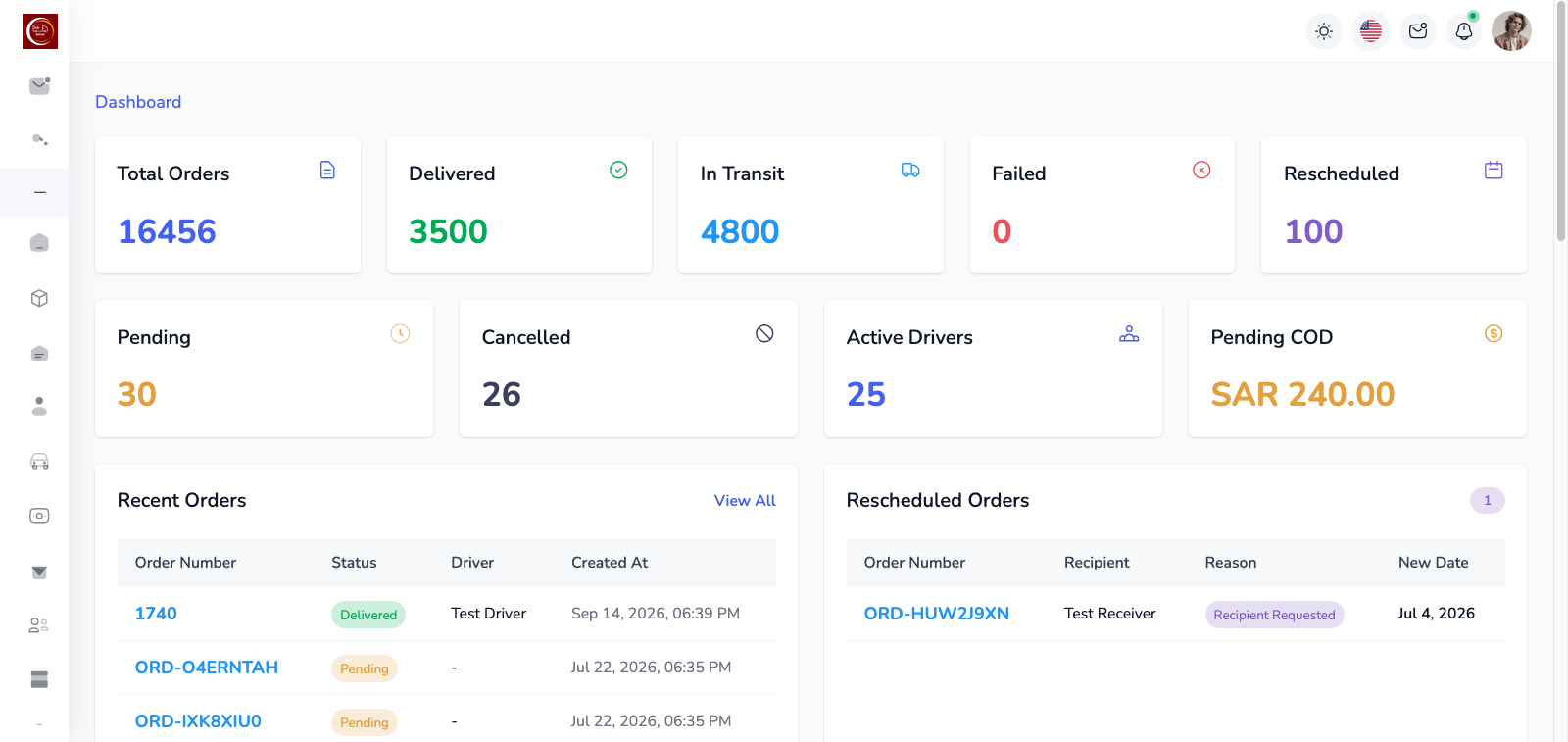
Delivery management software helps your team coordinate what happens after an order is ready to go out. SayerX connects driver and carrier assignments with shipment progress, customer updates, proof of delivery and collection records.
Choose your own drivers for local handovers or supported carriers for other shipments. Assign delivery work, create supported carrier shipments and keep their progress visible to your dispatch team.
Explore SayerX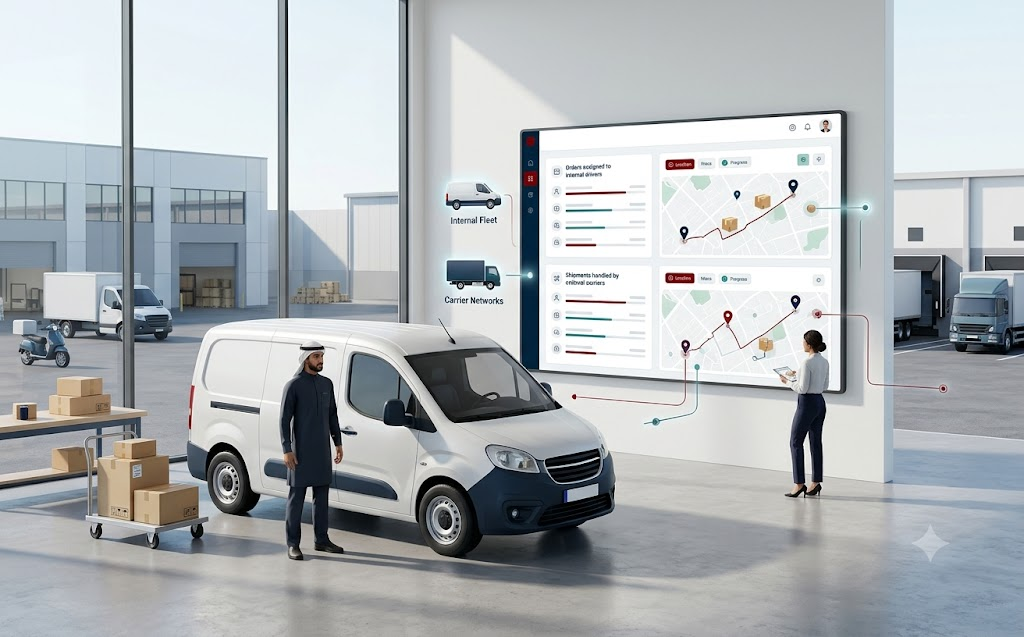
Give dispatchers and drivers the information they need from assignment through handover.
Choose who handles each delivery. Use assignment rules based on city, neighbourhood or payment method where they fit your operation.
See drivers’ latest reported locations alongside the deliveries assigned to them.
Follow the progress of assigned work and spot deliveries that need a dispatcher’s attention.
Create supported carrier shipments, generate tracking numbers and print labels for handoff.
Record a signature or photo at handover, and require a one-time code when that confirmation is configured.
Send status messages through your configured channels and templates. Customers can also check the tracking page.
Compare cash submitted by drivers with the deliveries for which they collected payment.
When online payment methods are configured, a driver can share a payment link or QR code for the customer to pay at delivery.
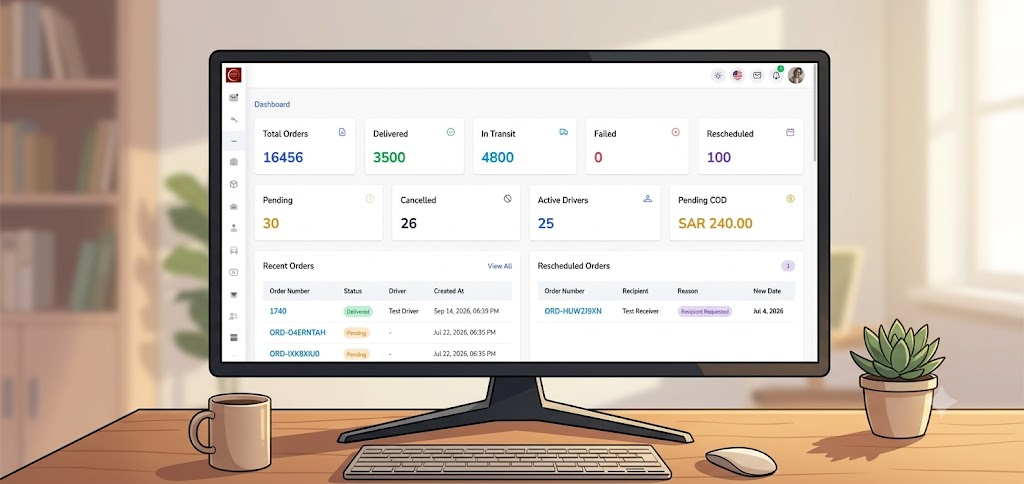
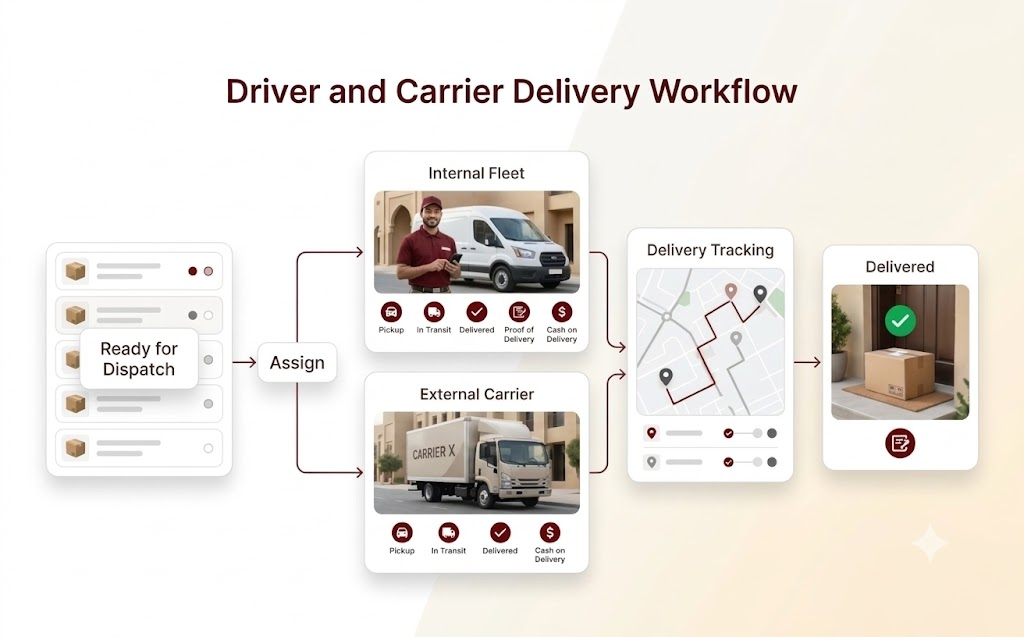
Use your own drivers for local delivery and create supported shipments with SMSA or Aramex when an external carrier is needed. Keep assignment and delivery status visible in SayerX.
Tell us how you book shipments and receive delivery updates today. We can review that carrier workflow and discuss the connection you need.
Discuss a carrier connectionAssign a ready order to one of your drivers or a supported carrier.
Give the driver the delivery details or create the supported carrier shipment and label.
Watch delivery status and the driver’s latest reported location while customers receive configured updates.
Capture delivery confirmation and review any cash collected or card payment made at delivery.
Yes. SayerX lets you manage your own drivers and supported external carriers in one workflow.
SayerX sends status updates through the channels and templates you configure. Customers can also use the public tracking page.
Yes. Drivers can collect cash on delivery. When online payment methods are configured, they can share a payment link or QR code for card payment at delivery.
Tell us which carrier you use and how you book shipments or receive status updates. We can review the workflow and discuss a connection.
See how SayerX helps your team dispatch drivers, coordinate supported carriers, follow progress and confirm each handover.
Book a Demo